30 Pinterest and Instagram Canva Templates for Effortless Content
Scrolling through your social feeds, you see it constantly: certain accounts have a cohesive, polished look that immediately signals professionalism. Their Instagram grid flows seamlessly, and their Pinterest pins consistently grab attention. This isn't an accident; it's the result of a deliberate brand identity applied to social media graphics. For many, achieving this level of consistency feels daunting, especially without a design background or the budget for a professional designer. This is where a powerful set of design assets like a curated collection of Pinterest and Instagram Canva templates becomes not just a convenience, but a strategic tool.
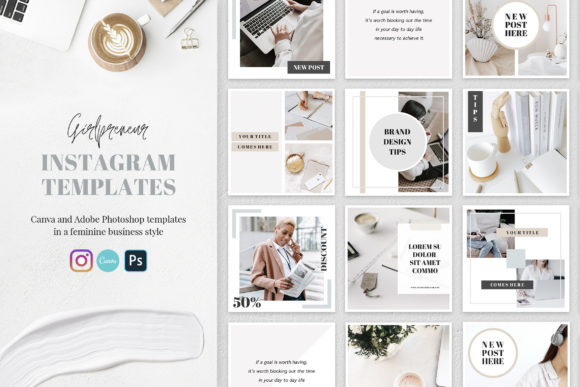
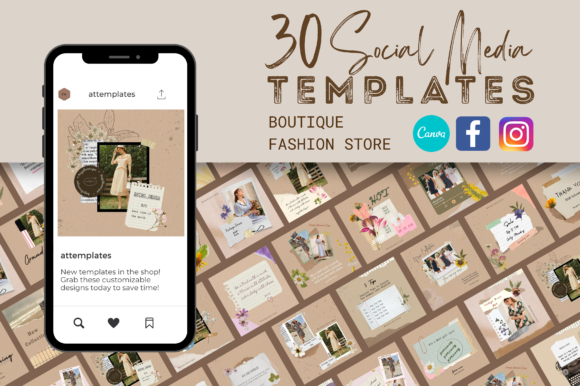
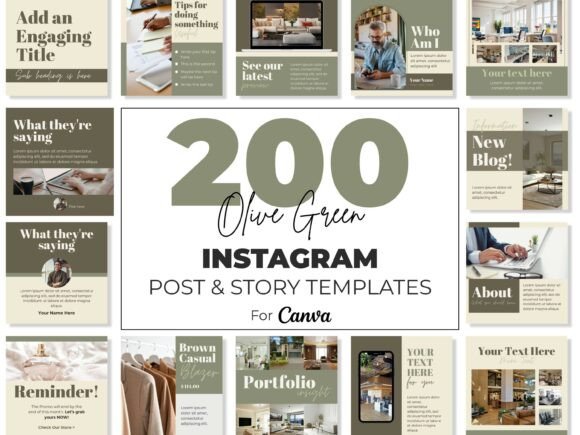
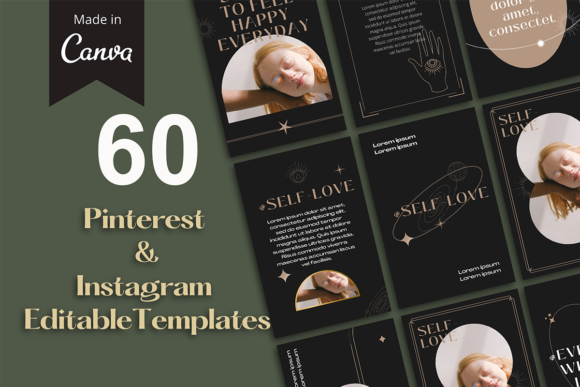
This particular bundle offers a practical solution: 30 beautifully crafted templates in two essential formats—the vertical Pinterest pin (1000x1500) and the square Instagram post (1080x1080). But what does "beautifully crafted" truly mean for your workflow and your brand? It means the visual hierarchy is already established for you. A skilled designer has considered where your eye should go first, how text and imagery balance, and how to create a focal point. You're not starting from a blank canvas; you're starting from a foundation of proven modern typography and layout principles. This allows you to focus on what matters: your message, your products, and your unique voice.
More Than Just Pretty Pictures: The Anatomy of an Effective Template
The true value of a template pack lies in its adaptability and the thought behind its construction. These aren't just static images to be copied. They are dynamic Canva templates designed to be fully customized. The included PDF with a download link gets you started in minutes, but the real power is in the customization journey. You begin by replacing the placeholder images with your own photography or branded graphics. Then, you resize and reposition text, potentially swapping fonts to better match your existing brand identity. The color palette ideas provided are a crucial starting point, helping you select combinations that evoke the right emotion and align with your branding. Finally, adding your logo is the finishing touch that stamps your ownership on every piece of content.
This process does more than save time; it instills discipline. By using a consistent set of templates, you train yourself and your audience to recognize a visual language. Your Instagram template posts begin to form a cohesive grid, while your Pinterest template pins become instantly recognizable as yours in a crowded feed. This consistency is the bedrock of brand recognition, building trust and familiarity with your audience over time. It transforms your social media from a sporadic collection of posts into a curated extension of your brand's personality.
Strategic Application: Where These Templates Shine
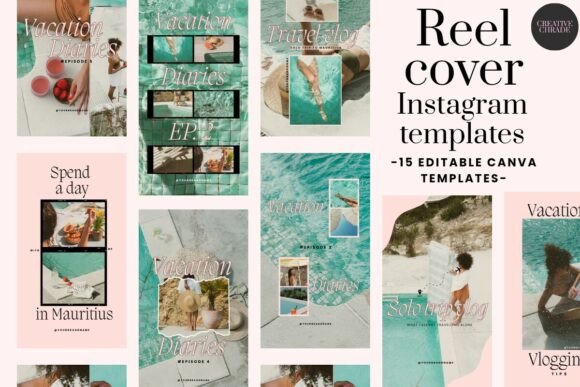
The dual-format approach addresses the core needs of most digital creators and businesses. The 1080x1080 Instagram format is the workhorse of the platform, perfect for carousels, single-image posts, and promotional content. The 1000x1500 Pinterest format is optimized for the platform's vertical feed, designed to stop the scroll with compelling visuals and clear, readable text. But their utility extends far beyond these two platforms. A well-designed square graphic is perfectly suited for Facebook posts, LinkedIn updates, or even website testimonials. A vertical pin can be repurposed as a stunning Instagram Story graphic, a blog post featured image, or a digital flyer.
Consider a small business owner launching a new product. They can use a set of Instagram template designs to tease the launch, showcase features, and share customer testimonials, all while maintaining a unified look. Simultaneously, they can adapt the Pinterest template versions to create evergreen pins that drive traffic to the product page for months to come. A blogger might use the templates to promote a single blog post across multiple platforms, ensuring each piece of content is platform-appropriate yet visually connected. The applications are as varied as the users themselves—from packaging design mockups to editorial design for digital magazines.
Making It Your Own: Practical Customization Tips
To get the most from any template library, think of it as a starting point, not a final product. When you open the template in Canva, your first task is to audit the existing design. Identify the core structure you like and the elements that need to change. A common mistake is to change too much too quickly. Instead, make incremental adjustments. Start by swapping the images—this single change can completely alter the mood of the template. Next, address the color scheme. Use the provided palette ideas as a guide, but don't be afraid to input your exact brand hex codes for perfect consistency.
Typography is where you can inject significant personality. The templates likely use a mix of a display font for headlines and a cleaner sans serif font for body text. When changing fonts, maintain this pairing logic. If you swap the headline to a script font or a handwritten font for a personal touch, ensure the body text remains highly legible. This is where understanding basic font pairing comes in—contrast is key. A bold, modern headline font pairs well with a simple, readable body font. Always prioritize readability, especially for important information like dates, prices, or calls to action.
Finally, think about scalability. Will your design hold up when viewed as a small thumbnail on a phone screen? Test it by zooming out. Ensure your key message and visual are clear at a glance. This practical test separates good design from great, functional design. By approaching these Canva templates with a strategic mindset—viewing them as a system for your brand identity rather than one-off designs—you unlock their full potential. You gain not just efficiency, but a consistent, professional presence that builds authority and engages your audience, post after pin after story.