Clipart Mockups: Your New Etsy Listing Secret
You know the feeling. You’ve just finished a set of stunning clipart—maybe it’s a collection of hand-drawn botanicals, quirky cartoon animals, or sleek geometric shapes. The artwork itself is perfect. Then comes the hard part: creating mockups that do it justice. Wrestling with clunky software, trying to get the lighting and perspective just right, and spending hours on a single listing image can drain the creative energy right out of you. It turns a joyful design process into a tedious chore.
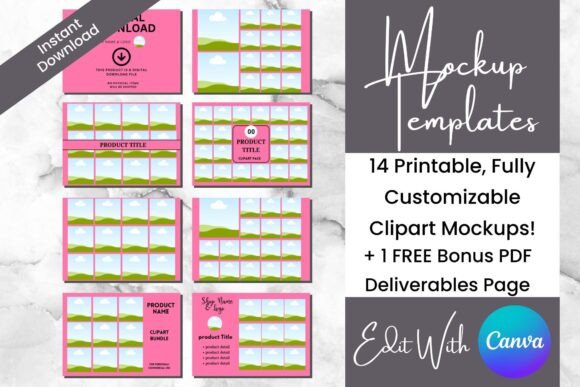
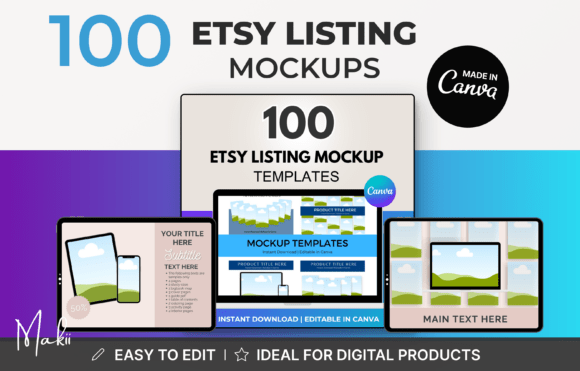
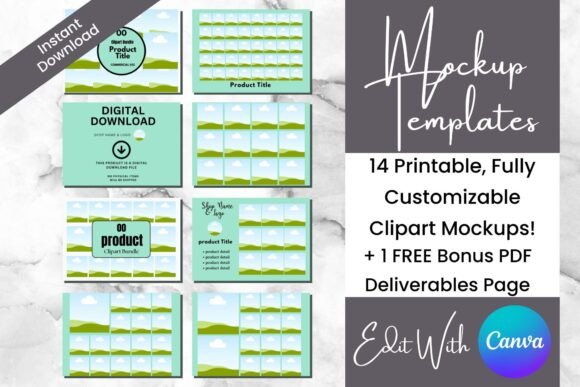
This is where specialized Canva editable templates change the game. These aren't just generic frames. They are intelligently designed Clipart Mockups Etsy Listing Templates built for a specific purpose: to let your art shine. Think of them as a professional photo studio for your digital files. The visual personality is clean, modern, and unobtrusive. The style is minimal yet polished, featuring soft shadows, realistic paper textures, and neutral backdrops that make colors pop. The appeal is immediate—it’s the difference between a snapshot and a styled photograph. The overall aesthetic is one of effortless professionalism, designed to elevate your clipart from a simple graphic into a desirable product.
Where These Templates Truly Excel
The real-world value of these assets extends far beyond a single Etsy shop. As a designer or entrepreneur, your brand identity is built on consistency and perceived quality. Using a cohesive set of mockup templates ensures every touchpoint—whether it's your Etsy listing, Instagram post, or Pinterest pin—looks intentionally crafted and on-brand. This is crucial for social media graphics where visual consistency builds recognition and trust with your audience.
For content creators and bloggers, these templates are a lifesaver. Imagine you’re writing a tutorial on using clipart in digital planning. Instead of just showing a flat image, you can place your clipart inside a realistic mockup of an iPad or a printed journal. This adds context and makes your content more engaging and professional. Similarly, marketers and small business owners can use them for packaging design previews or to create compelling visuals for email campaigns showcasing new digital products.
The applications are surprisingly diverse:
- Etsy Sellers: The primary use—creating scroll-stopping listing images that increase click-through rates.
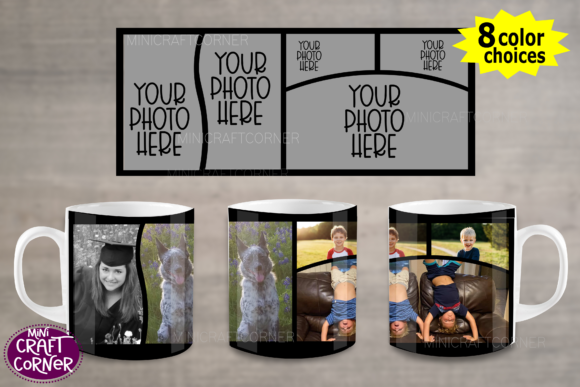
- Print-on-Demand Businesses: Mock up your clipart on notebooks, mugs, or tote bags for your own storefront.
- Digital Product Creators: Showcase clipart sets, printable wall art, or planner stickers in an aspirational setting.
- Brand Strategists & Designers: Quickly create client presentations that visualize how their new clipart assets could be used in real-world applications.
- Hobbyists & Crafters: Make your personal projects look gallery-worthy when sharing them online or in communities.
Practical Guidance for Choosing and Using Your Templates
Not all templates are created equal. When evaluating a set of Clipart Mockups Etsy Listing Templates, consider their personality and fit for your specific creative font or art style. If your clipart is whimsical and hand-drawn, look for templates with softer, more organic elements. If your work is geometric and modern, choose templates with clean lines and minimal backgrounds.
A key feature to seek is true editability. The best templates leverage Canva’s drag-and-drop functionality seamlessly. You should be able to click on the frame or placeholder for your clipart, upload your image, and have it automatically fit into the designated space. This swift production of visuals is the core benefit. Test the template before a full commitment. Does it offer enough variety in layouts? Are the background colors and textures easily changeable to match your brand’s palette?
Think about visual hierarchy. A good template will have a clear focal point for your art, with other design elements playing a supporting role. This guides the viewer’s eye exactly where you want it. For example, a template might use a subtle drop shadow to make your clipart appear to float off the page, or a torn paper edge to add a tactile, scrapbook feel.
Consider the included styles. A comprehensive pack might offer variations for different aspects of your business:
- Primary Listing Image: A bold, clear showcase of the full clipart set.
- Detail Close-Up: A template designed to highlight the intricate quality of individual pieces.
- Usage Example: A mockup showing the clipart applied to a real-world item, like a greeting card or a digital planner page.
- Bundle or Sale Graphic: A template with clear space for promotional text, perfect for running a discount.
Finally, always review the licensing. For commercial use, which is essential for selling on Etsy, ensure the template’s license permits you to use the final mockup images in your listings and promotions. This is a fundamental part of building a sustainable and professional creative business.
In the end, these templates are more than just pretty frames. They are a strategic tool. They solve a very real problem for digital artists and sellers, allowing you to customize your presentation, maintain brand consistency, and ultimately, tell a more captivating visual story